
LittleTask
An AI that turns putting things off into getting things done
You write a task. AI asks a few questions and splits it into small steps that fit your procrastination type.
The web service is scheduled to open. Mobile apps for iOS and Android are planned.
 For perfectionistsWrite the weekly report
 Today's share, done!
A task that felt stuck
becomes doable.
The same report is split to fit your type. For a perfectionist, "finish it" comes before "write it well". Try the button.
The strategy adapts
to your type.
Tasks are split differently for each of six procrastination types.



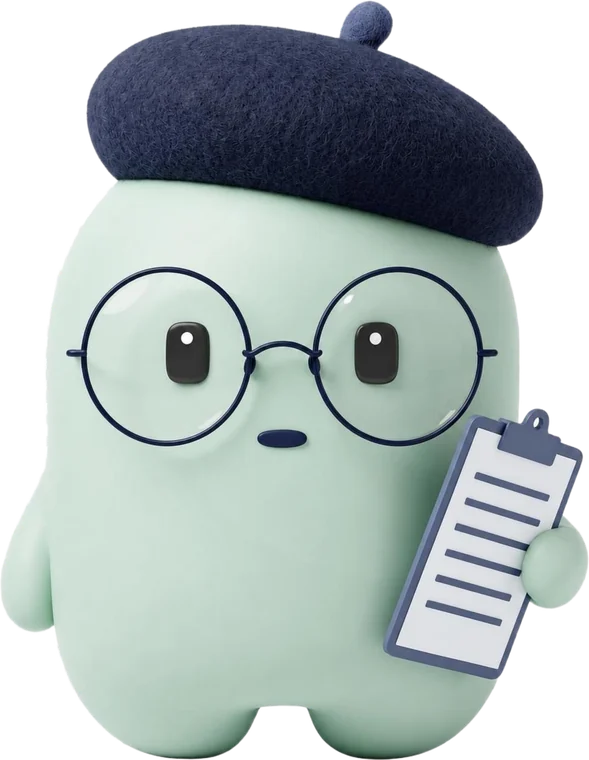

For people who put things off
because they want to do well.
People in their 20s and 30s with strong will, whose day ends at planning.
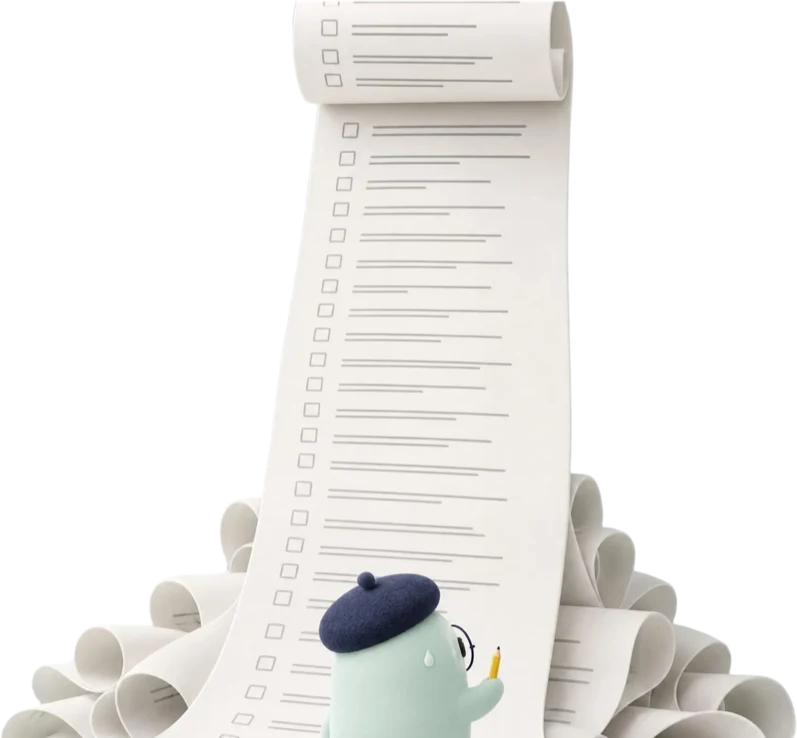
get all this done…
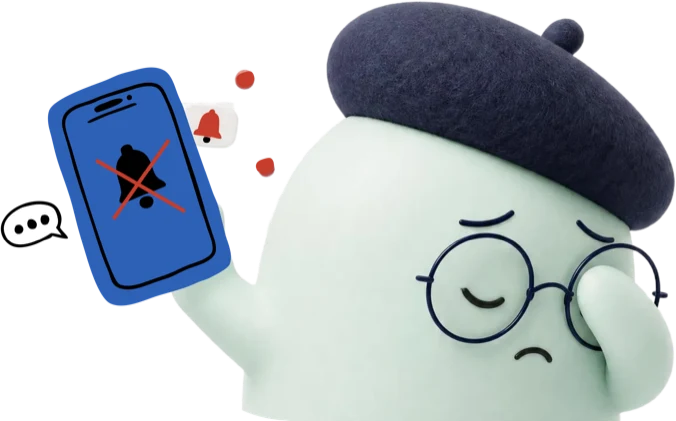
I'd rather not look

start early…
Start small,
change a lot.
As small checks add up, this is how things change.




Simple features,
smarter tasks.
No ads.
The screens show sample data and Korean text.
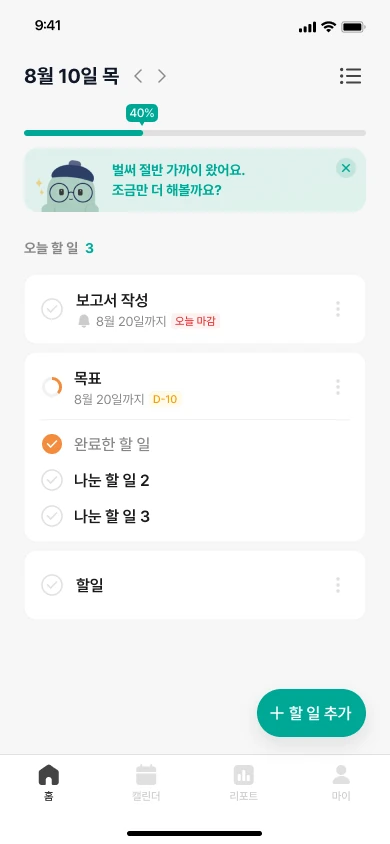
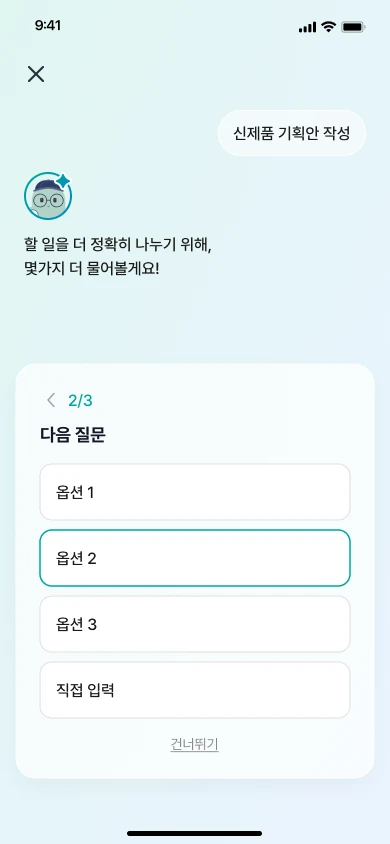
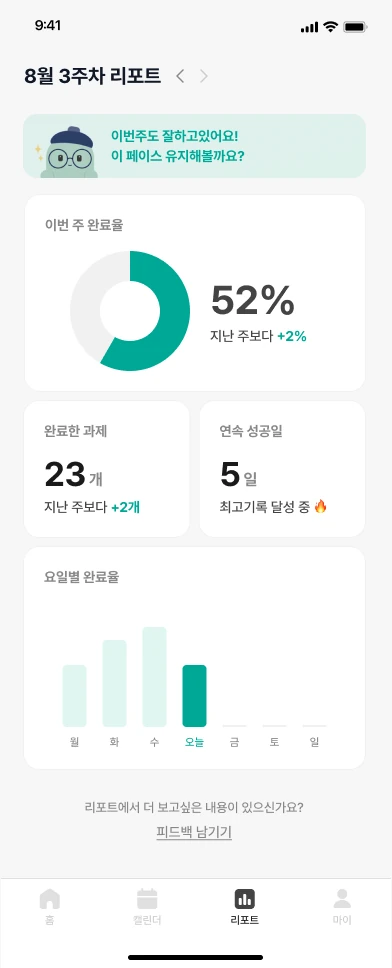



Simple features,
smarter tasks.
No ads.
The screens show sample data and Korean text.


Your tasks are used
only as far as needed.
Only the task text is sent to the AI feature, without member identifiers. Tasks you enter are not used to train AI.
Tasks you put off, small and easy.
Start for free.
Task management stays free. Try the AI features first, then decide.
- Task management, deadline countdown
- Procrastination type check
- Weekly report, streak record
- No ads
- Everything in Free
- AI clarifying questions
- AI task breakdown by type
An illustration: hourly pay (salary ÷ 2,080 hours) × hours put off × 250 days.
Frequently asked questions
Yes. Task management, the type check, weekly reports and the streak record are all free. Only the AI features are paid, and you can try AI breakdown with a free trial first.
No. We do not place ads, so you can focus on your tasks.
No. Only the task text is sent to the AI feature, without member identifiers.
No. It is a self-understanding tool made with reference to psychology research based on cognitive behavioral therapy (CBT). It does not replace medical diagnosis or treatment.
How a task becomes steps
Features
| Feature | What it does |
|---|---|
| Type check | A questionnaire shows which of six types fits you |
| AI questions | Multiple-choice questions about unclear parts of a task |
| AI breakdown | A task with a deadline is split into first-level and second-level steps |
| Recurring tasks | Daily, weekly, and monthly tasks |
| Today view | Only the steps for today |
| Timer | Records focus time for each step |
| Calendar | Tasks and deadlines by date |
| Reports and streak | Completed work and consecutive days |
| Notifications | Reminders and encouragement messages |
Where it runs
| Platform | Status |
|---|---|
| Web | https://littletask.app (opening soon) |
| Mobile | iOS and Android apps (planned) |
What is not included
- We do not provide medical diagnosis, counseling, or treatment.
- It is a personal tool. It has no team features.
- For a business (B2B) service with dedicated security for company information and an ontology, please contact us separately.
- Steps from AI are suggestions. We do not guarantee that they are correct.
How it differs from a plain to-do list
| Situation | Plain to-do list | LittleTask |
|---|---|---|
| A large task is entered | It stays as one line | AI asks questions, then splits it into small steps |
| Different ways of procrastinating | No distinction | The split differs across six types |
| Starting | Left to the user | Today's steps and a timer |
| Tracking | A check mark | Streak and reports |
If your tasks are already small and clear, a plain to-do list is enough.